

 Deutsch
 English
 Italiano
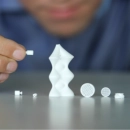
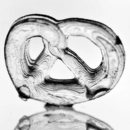

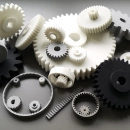

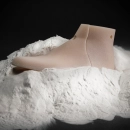






Multi Jet Fusion (MJF): 3D Printing for Functional Plastic Parts
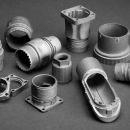
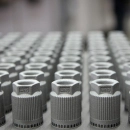
Multi Jet Fusion (MJF) is a powder-based 3D printing process developed by HP. Layer by layer, print heads apply liquid agents to a plastic powder, and infrared light fuses the marked areas into a part. As with laser sintering, the surrounding powder supports the part – no support structures are needed.
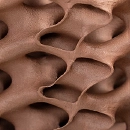
MJF is suitable for functional prototypes, small batches and parts with textured surfaces. By default, MJF parts are grayish; depending on the supplier, they are also available in white or full color. Several suppliers offer MJF on the PROTIQ Marketplace: you upload your 3D data, choose the material and compare prices and delivery times.
MJF at a glance
- Materials
- PA12, PA11, PP, TPU
- Support structures
- none
- Base color
- grayish by default; depending on the supplier also white or full color
- Minimum wall thickness
- usually 1 mm
- Quantity
- single part to small batch
Guide values from supplier data sheets on the Marketplace, not guaranteed properties. The information provided by the respective supplier in the ordering process is binding.
How it works
How does Multi Jet Fusion work?
Instead of a laser, MJF works with print heads and infrared light: the print heads apply a fusing agent to the areas that will become the part, and a second agent mainly along the contours. Infrared light then heats the layer – only the areas wetted with fusing agent fuse together.
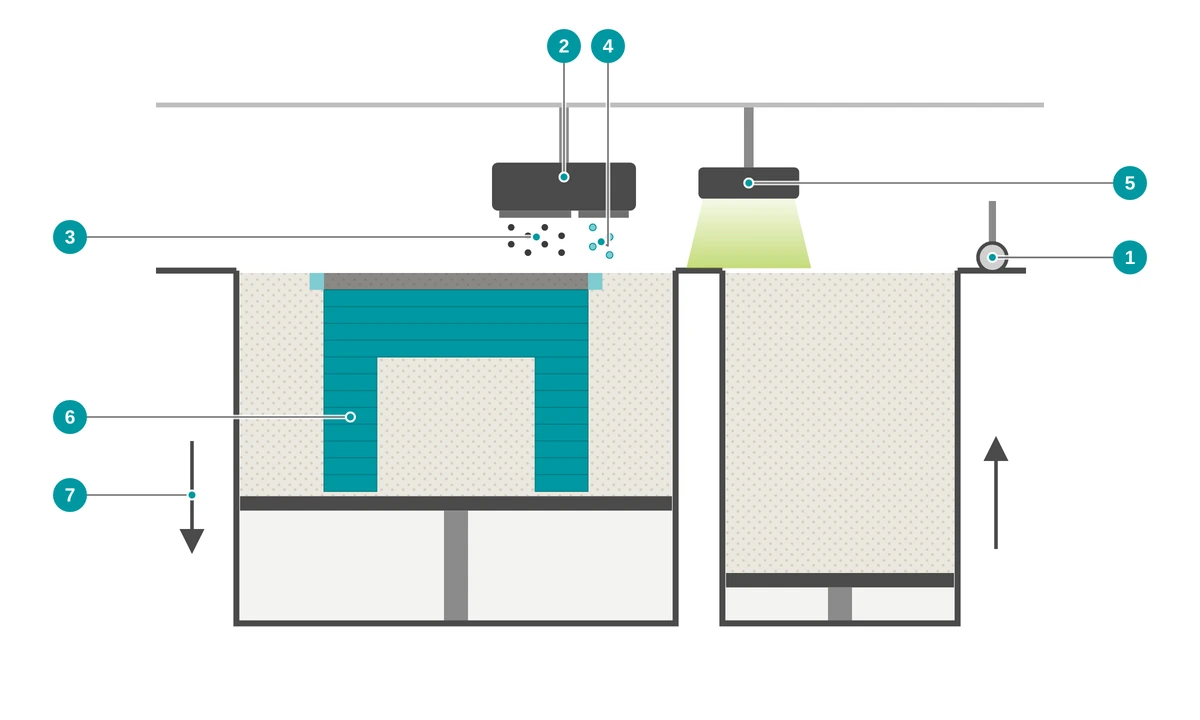
- 1 Recoater applies a new layer of powder
- 2 Print heads pass over the powder bed
- 3 Fusing agent – where the part is formed
- 4 Detailing agent – mainly along the contour, for defined edges
- 5 Infrared lamps heat the layer; the areas wetted with fusing agent fuse together
- 6 Part – supported by loose powder, without support structures
- 7 Build platform lowers after each layer
- Preparing data The 3D model is sliced into thin layers. Many parts can be arranged together in the build space – even on top of each other.
- Recoating A thin layer of plastic powder is spread across the build platform. The build space is preheated.
- Printing The print heads apply the fusing agent to the cross-section of the part and the detailing agent mainly along the contour.
- Fusing Infrared light heats the layer. The areas wetted with fusing agent absorb more energy and fuse with the layer below. The platform then lowers.
- Cooling After the last pass, the entire powder cake cools down in a controlled manner. This is important for dimensionally accurate parts.
- Depowdering and finishing The parts are removed from the powder and blasted. Dyeing or further post-processing follows on request.
A large proportion of the unfused powder is processed and reused – mixed with fresh powder.
↑ Back to overviewMJF or SLS?
What is the difference between Multi Jet Fusion and laser sintering?
Both processes fuse plastic powder in a powder bed and do not require support structures. The difference lies in the energy source: in laser sintering, a laser traces the contour; in MJF, a printed fusing agent determines which areas fuse under infrared light.
| Multi Jet Fusion (MJF) | Laser sintering (SLS) | |
|---|---|---|
| Energy source | Print heads and infrared lamps pass over the entire layer; a fusing agent determines what fuses | A laser traces the cross-section of the part |
| Support structures | not required | not required |
| Base color | grayish by default; depending on the supplier also white or full color | depending on the material, often white |
| Dyeing | gray: rather muted colors, black works well; white: light colors as well | with light-colored materials, light colors as well |
| Material selection | PA12 (gray, white, glass bead filled, full color), PA11, PP, TPU | larger, additionally e.g. PA6 as well as flame-retardant and electrostatic dissipative grades |
| Typical use | Functional prototypes, small batches, textured surfaces | Functional prototypes, small batches, parts made of special materials |
Which process is cheaper or faster for your part depends on geometry, quantity and material. Upload your file and compare the offers for both processes directly in the configurator.
↑ Back to overviewAdvantages
What are the advantages of Multi Jet Fusion?
MJF combines the design freedom of the powder bed with short build times. Because neither support structures nor tooling are needed, the process is particularly cost-effective for prototypes and small batches.
No support structures
The loose powder supports the part. Undercuts, internal channels and movable assemblies can be produced in one piece – provided the powder can be removed.
Short build times
Print heads and infrared lamps pass over the entire layer in one pass instead of tracing the cross-sections with a laser. You can see the suppliers’ current delivery times in the configurator.
Robust functional parts
MJF parts made of PA12 can withstand mechanical loads and are suitable for functional prototypes as well as – depending on the requirements – end-use parts.
No tooling costs from the first part
No tooling, no mold costs: many parts are produced together in the build space – from single parts to small batches.
Textured surfaces
MJF is well suited for parts with surface textures such as grains, patterns or grip zones.
Gray, white or full color
Gray parts can easily be dyed black, white parts also in light colors. Depending on the supplier, parts are available directly in full color.
Material
Which materials are available for Multi Jet Fusion?
The most important material for MJF is PA12 – available on the PROTIQ Marketplace in gray, white, glass bead filled and full color. Suppliers also offer PA11, PP and the flexible TPU01.
You can see which materials and colors are currently available in the configurator after uploading – where you will also find the suppliers’ valid data sheets. Do you need special materials, such as flame-retardant or electrostatic dissipative plastics? On the Marketplace, you will find such materials mainly in laser sintering.
PA12 gray – the standard
The standard material in MJF: versatile and mechanically robust – for example for housings, holders, clips and functional parts.
PA12 white
Light base color for parts that should stay light or be dyed in light and bright colors.
PA12 glass bead filled
Filled with glass beads for greater stiffness – for example for housings or fixtures that need to be dimensionally stable.
PA11 – tough and bio-based
Made from renewable raw materials. Higher elongation at break than PA12 – good for parts that need to flex, such as snap-fit hooks.
PP – chemically resistant
Polypropylene is chemically resistant and absorbs little moisture – for example for parts that come into contact with liquids or chemicals.
TPU – flexible
Ultrasint® TPU01 is a flexible, rubber-like plastic with good shock absorption – for example for dampers, cushions, grips or shoe components.
PA12 full color
Parts printed directly in multiple colors – for example for visual models, color-coded prototypes or design objects.
How strong is PA12 in MJF?
The suppliers’ data sheets on the Marketplace list similar values for gray PA12 in MJF. The table shows the range. The values depend on factors such as part geometry and build orientation.
PA12 gray in MJF – guide values
- Density
- approx. 1.0 g/cm³
- Tensile modulus
- approx. 1,500–1,800 MPa
- Tensile strength
- approx. 45–48 MPa
- Elongation at break
- approx. 12–20 %
- Heat deflection temperature (HDT, 0.45 MPa)
- approx. 175 °C
- Heat deflection temperature (HDT, 1.82 MPa)
- approx. 95 °C
Range from supplier data sheets on the PROTIQ Marketplace (as of 2026). Not guaranteed properties – the data sheet of the respective supplier in the ordering process is binding.
Color
What color are MJF parts – and can they be dyed?
MJF parts are grayish by default. Depending on the supplier, they are also available in white or directly in full color. Gray and white parts can be dyed afterwards – white parts also in light colors.
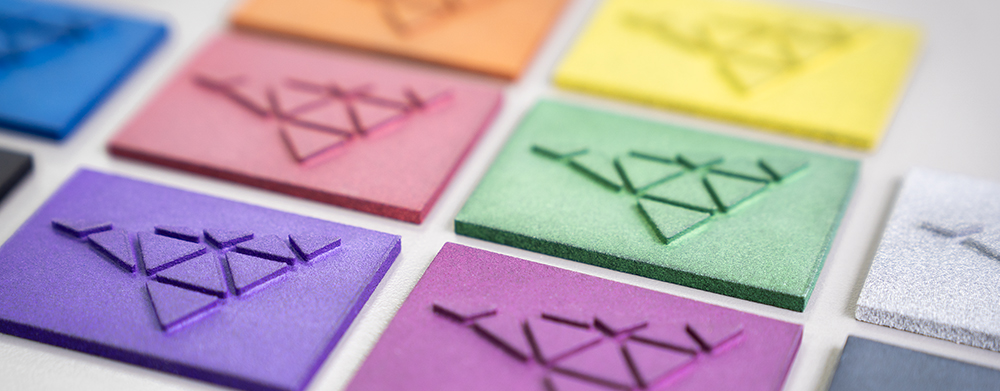

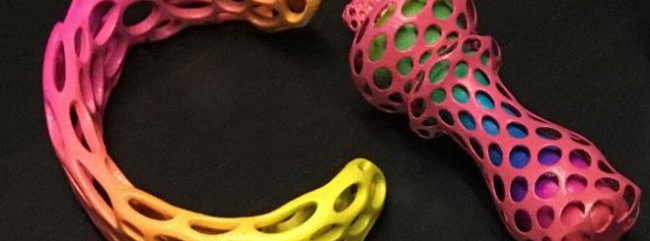
Depending on the supplier, further finishes are possible, such as chemical smoothing, sealing or painting. You can see which options are available in the configurator, or ask us.
↑ Back to overviewTechnical data
Technical data and design guidelines for MJF
Dimensional accuracy and part size depend on the supplier and its system.
| Feature | Value |
|---|---|
| Maximum part size | depending on the supplier’s system – checked automatically on upload |
| Minimum wall thickness | usually 1 mm according to supplier data sheets |
| Dimensional accuracy | depending on the supplier, e.g. ± 0.3 %, at least ± 0.3 mm according to the supplier data sheet |
| Standard tolerance in PROTIQ quotes | ± 0.7 %, at least ± 0.1 mm, unless otherwise stated |
| Surface | slightly rough and matte due to the powder grain |
| Support structures | not required |
| Base color | grayish by default; depending on the supplier also white or full color; can be dyed |
Guide values from supplier data sheets on the Marketplace, not guaranteed properties. The information provided by the respective supplier in the ordering process or in the quote is binding.

What to consider when designing
- Wall thicknesses Plan walls with a thickness of at least 1 mm. Very thin, long walls can warp.
- Depowdering cavities Powder remains in closed cavities. Provide at least two openings so that the powder can be removed.
- Moving parts Joints and assemblies can be printed ready-assembled. Plan for a sufficient gap between the parts.
- Large, flat surfaces They can warp during cooling. Ribs, cutouts or a slightly curved shape help.
- Solid areas Very thick, solid cross-sections increase the risk of warping and the amount of material used. Hollow them out where the function allows – with openings for depowdering.
- Threads and fits Small threads are best recut, or use threaded inserts. Tight fits should be reworked.
Limits & alternatives
When is another process better than MJF?
- Surface Untreated, the surface is slightly rough. Depending on the supplier, blasting, chemical smoothing or painting make it more uniform.
- Detail resolution MJF reproduces very fine details only moderately well. SLA or PolyJet are better suited for this.
- Color Gray parts can only be dyed in muted colors. Light colors require white parts.
- Leak tightness Untreated MJF parts are not tight against liquids and gases by default. If your part needs to be tight, please contact us before ordering.
| Process | Strengths | May be the better choice if … |
|---|---|---|
| Laser sintering (SLS) | Larger material selection, light base color for many materials | … you need special materials – on the Marketplace, these are mainly available in laser sintering |
| Stereolithography (SLA) | Very smooth surfaces, fine details, transparent materials as well | … appearance and detail accuracy matter more than strength |
| PolyJet / MultiJet | Multi-color parts and combinations of hard and soft materials | … you need design and visual models |
| Selective laser melting (SLM) | Metal parts | … your part has to be made of metal |
| Injection molding | Cost-effective for large quantities | … the quantity is so large that an injection mold pays off |
HP, Multi Jet Fusion, Ultrasint, PolyJet, MultiJet and SLM are trademarks of their respective owners.
↑ Back to overviewApplications
What is Multi Jet Fusion used for?
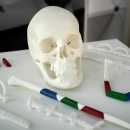
MJF is mainly used for functional prototypes and small batches – such as housings, holders, clips or parts with textured surfaces.

Prototyping
Functional prototypes without tooling – changes go directly into the next version.
To prototyping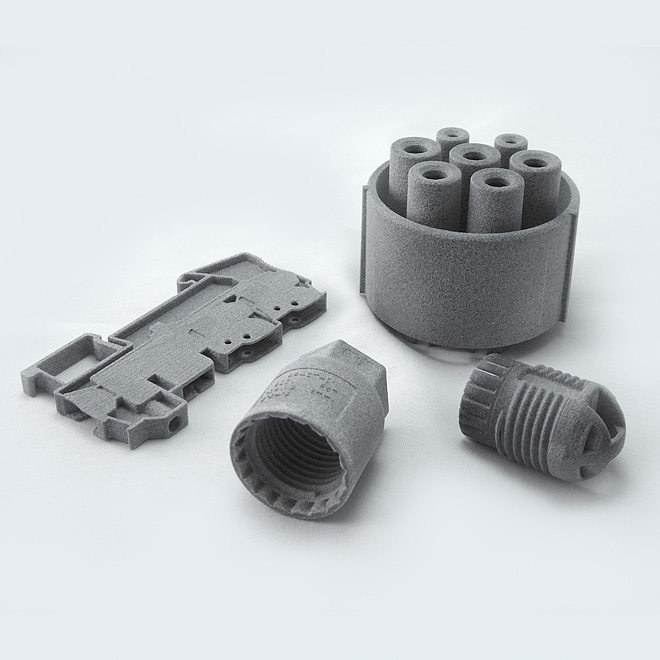
Series production
Pre-series and small batches without tooling costs, also in individual variants.
To series production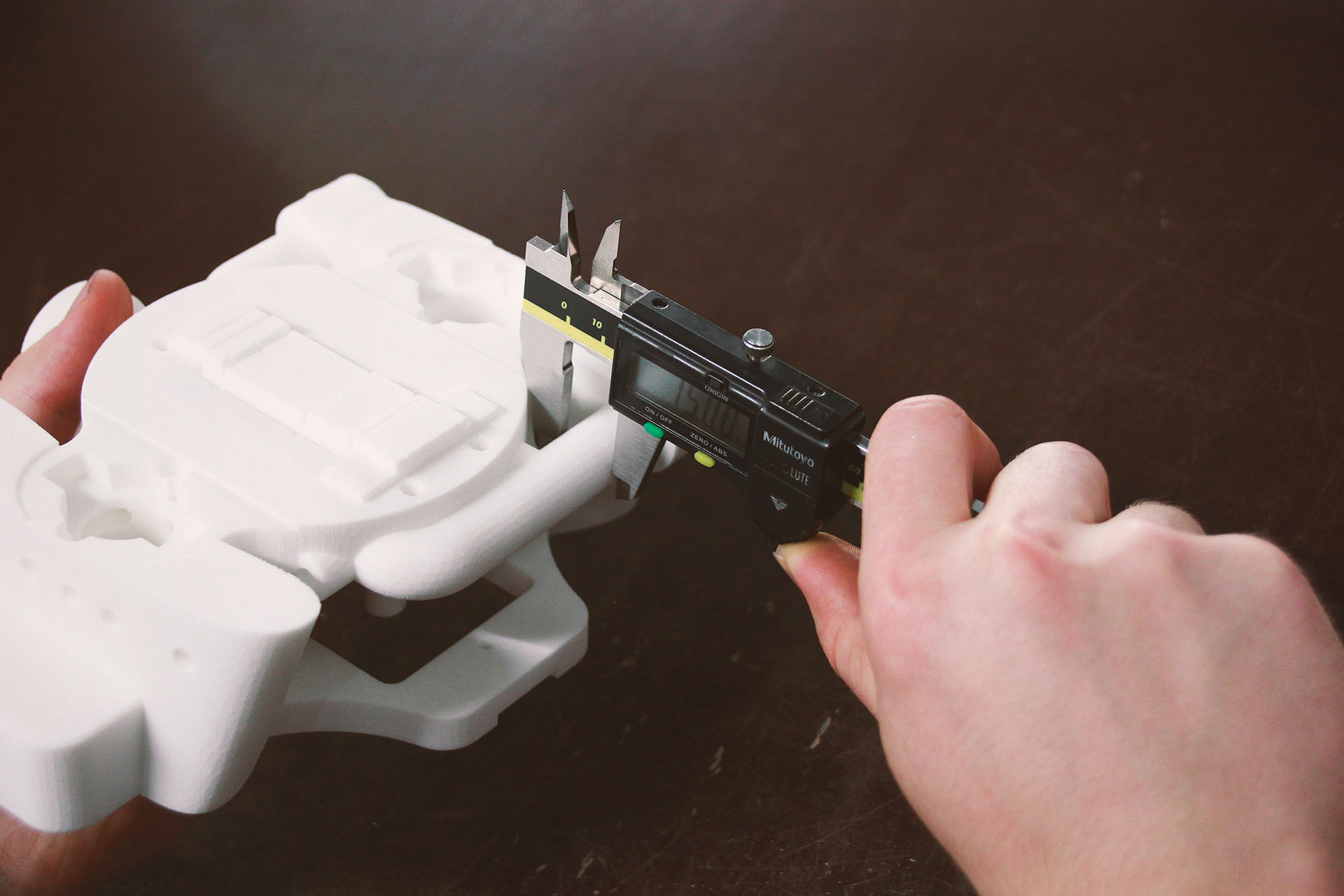
Spare parts
Reproduce parts that are no longer available, e.g. for classic cars – using CT-based reverse engineering if required, provided no third-party property rights prevent this.
To reverse engineering
Medical technology
Visual models, fixtures and prototypes – we clarify on a case-by-case basis whether a material is suitable for your application.
To medical technologyOrdering
How do I order MJF parts?
Upload your 3D file, choose material and process and compare the suppliers’ offers. You decide who manufactures your part.
- Upload file Upload your 3D data in the configurator. The system automatically checks whether the part fits into the build space.
- Choose material Choose from over 160 materials and over 12 processes – for example PA12 in Multi Jet Fusion.
- Compare offers In most cases, you will immediately see the prices and production times of the suppliers who can manufacture your part.
- Order You order directly online at the selected price.

FAQ
Frequently asked questions about Multi Jet Fusion
What is Multi Jet Fusion (MJF)?
Multi Jet Fusion is a powder-based 3D printing process developed by HP. Layer by layer, print heads apply a fusing agent to plastic powder, and infrared light fuses the wetted areas. The surrounding powder supports the part, so no support structures are needed.
What is the difference between MJF and SLS?
Both processes work in a powder bed and do not require support structures. In laser sintering (SLS), a laser fuses the powder; in MJF, a printed fusing agent does so together with infrared light. MJF parts are grayish by default; SLS offers more special materials, such as flame-retardant or electrostatic dissipative plastics.
Which materials are available for MJF?
The most important material is PA12 – available on the PROTIQ Marketplace in gray, white, glass bead filled and full color. PA11, PP and the flexible TPU01 are also available. You can see which materials are currently available in the configurator after uploading.
What color are MJF parts?
By default, MJF parts are grayish. Depending on the supplier, they are also available in white or directly in full color. Gray parts can be dyed in muted colors and black works well; white parts can also be dyed in light colors.
How accurate is MJF?
That depends on the supplier. Supplier data sheets on the Marketplace state, for example, ± 0.3 %, at least ± 0.3 mm for MJF. Unless otherwise stated, PROTIQ quotes are subject to a standard tolerance of ± 0.7 %, at least ± 0.1 mm.
How large can MJF parts be?
That depends on the supplier’s system. When you upload, the system automatically checks whether your part fits into the build space. If it is too large, please contact us.
Are MJF parts watertight?
Untreated MJF parts are not reliably tight against liquids and gases. If your part needs to be tight, please contact us before ordering.
When is MJF worthwhile?
MJF is particularly worthwhile for functional prototypes and small batches made of PA12 where no mold is to be built. For large quantities, injection molding is usually more cost-effective.
How much does an MJF part cost?
The price depends mainly on part volume, size, material and quantity. After uploading your file, you will immediately see the suppliers’ prices in the configurator.